Free Happy Birthday Coloring Pages to Print (A4 and Letter)
Print at 100 per cent scale, not "fit to page", and choose the correct paper size before printing. "Fit to page" is what causes the thin white margin and the slightly shrunken image, and it is set by default in most browsers.
All eight pages below are free to print at A4 or US Letter, with no watermark. Tap Download to get the full-size file.
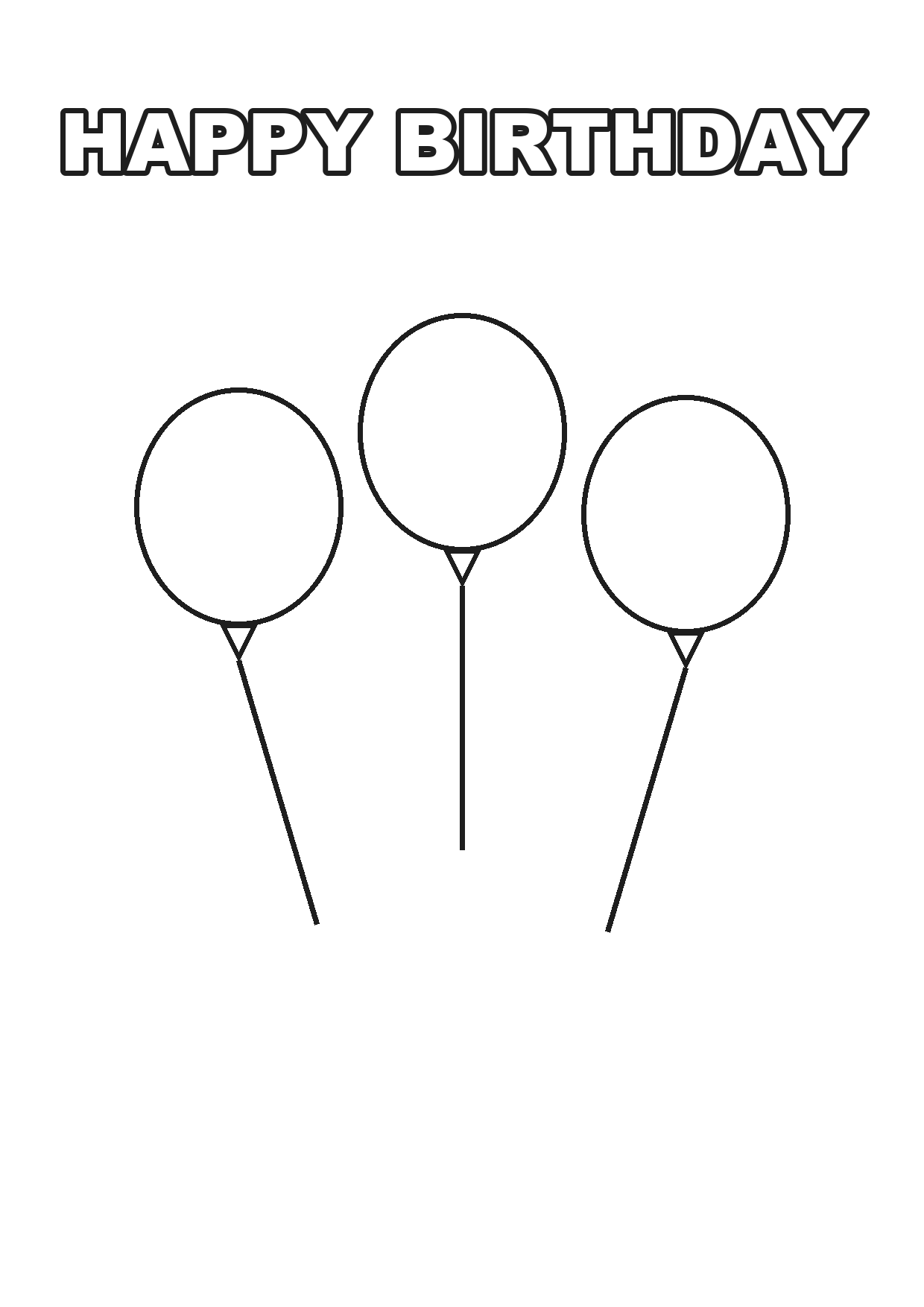
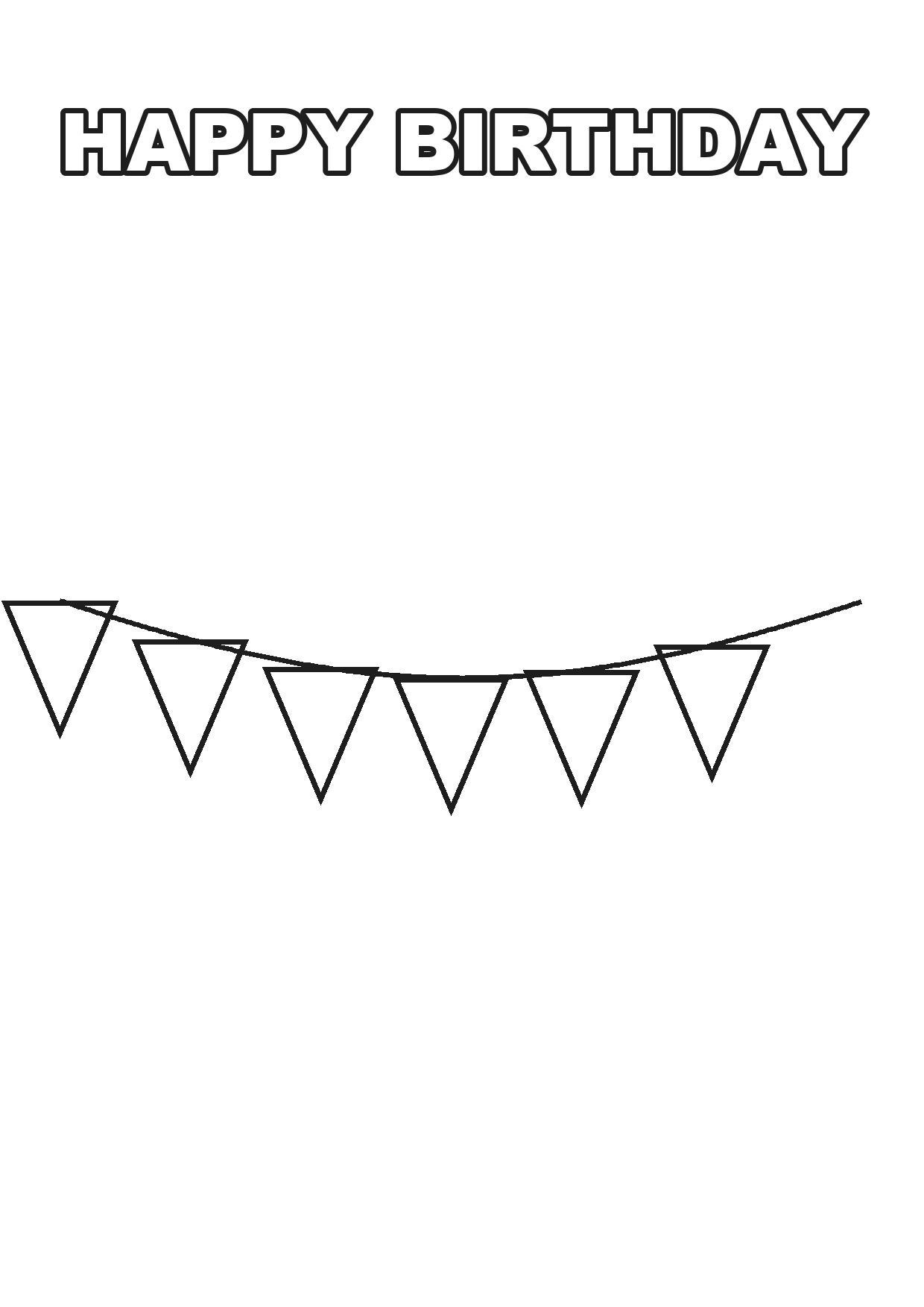
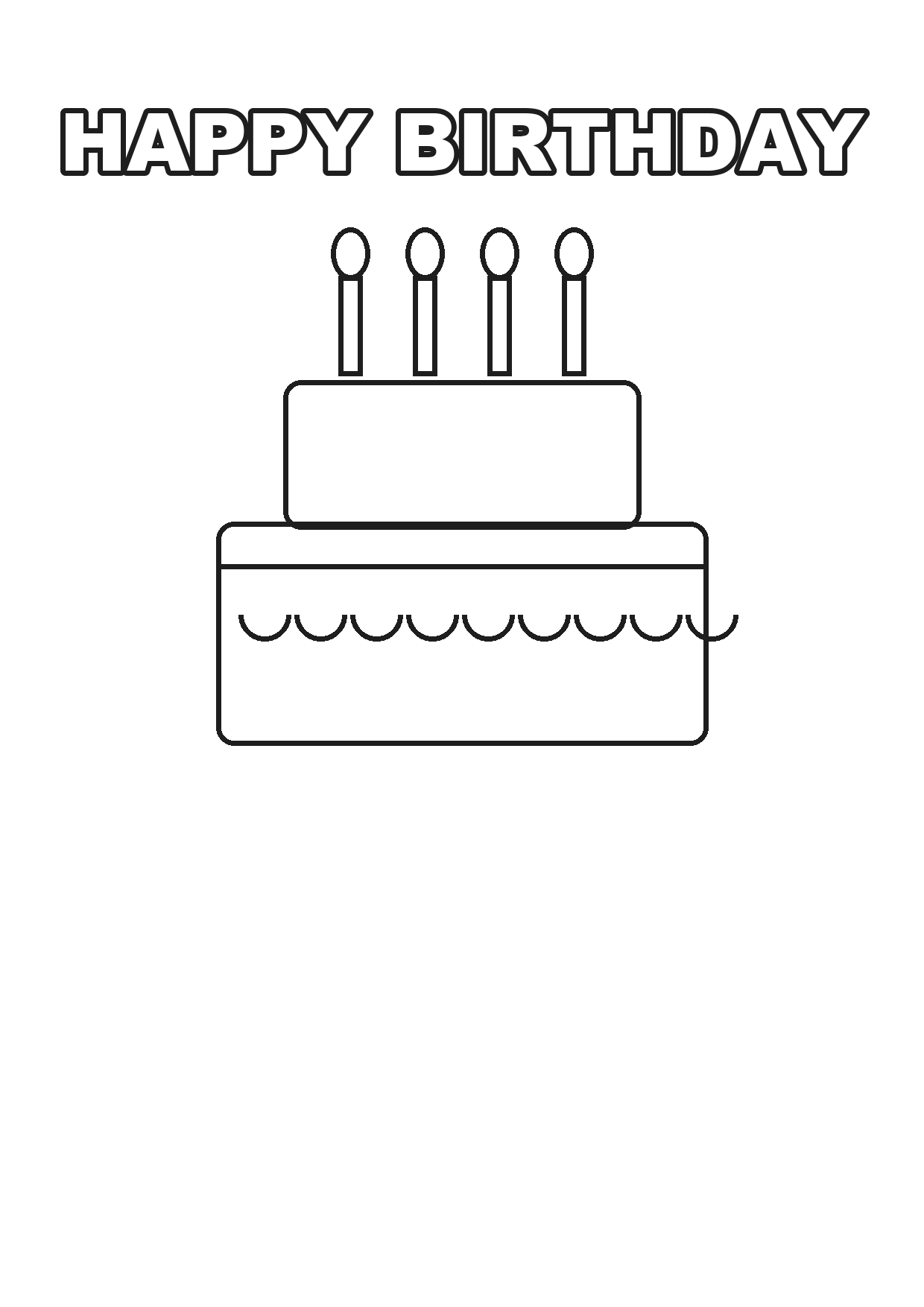
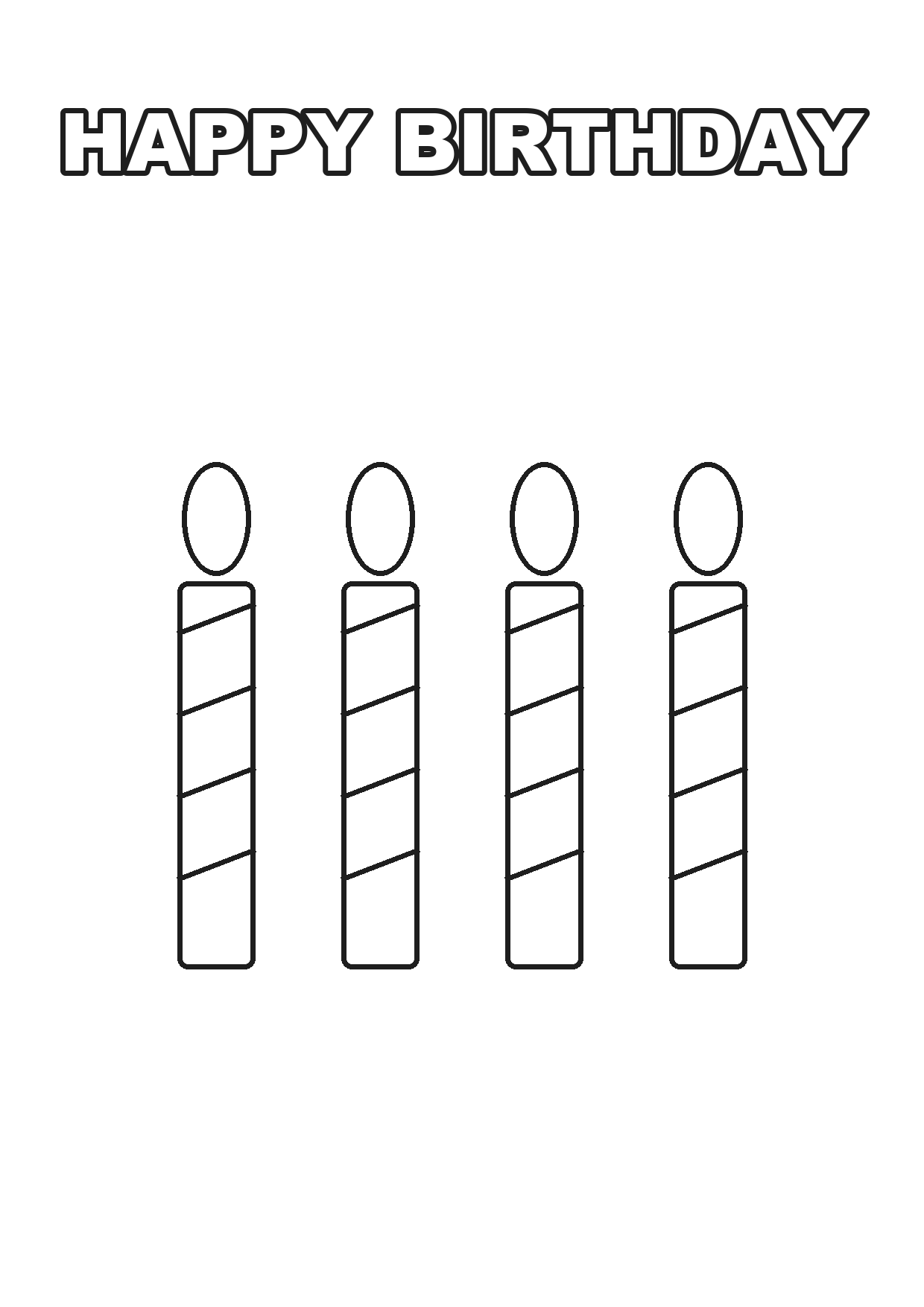
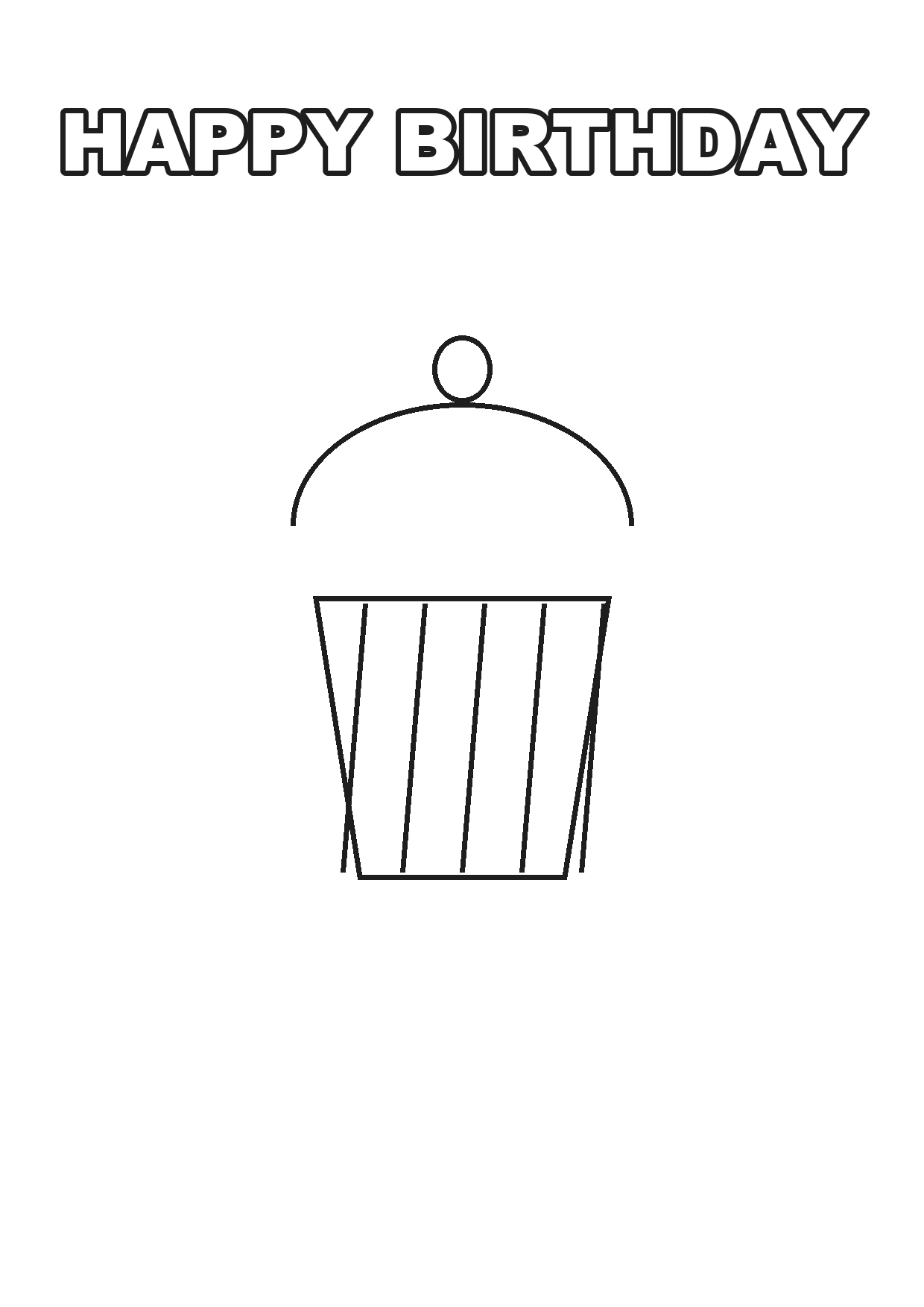
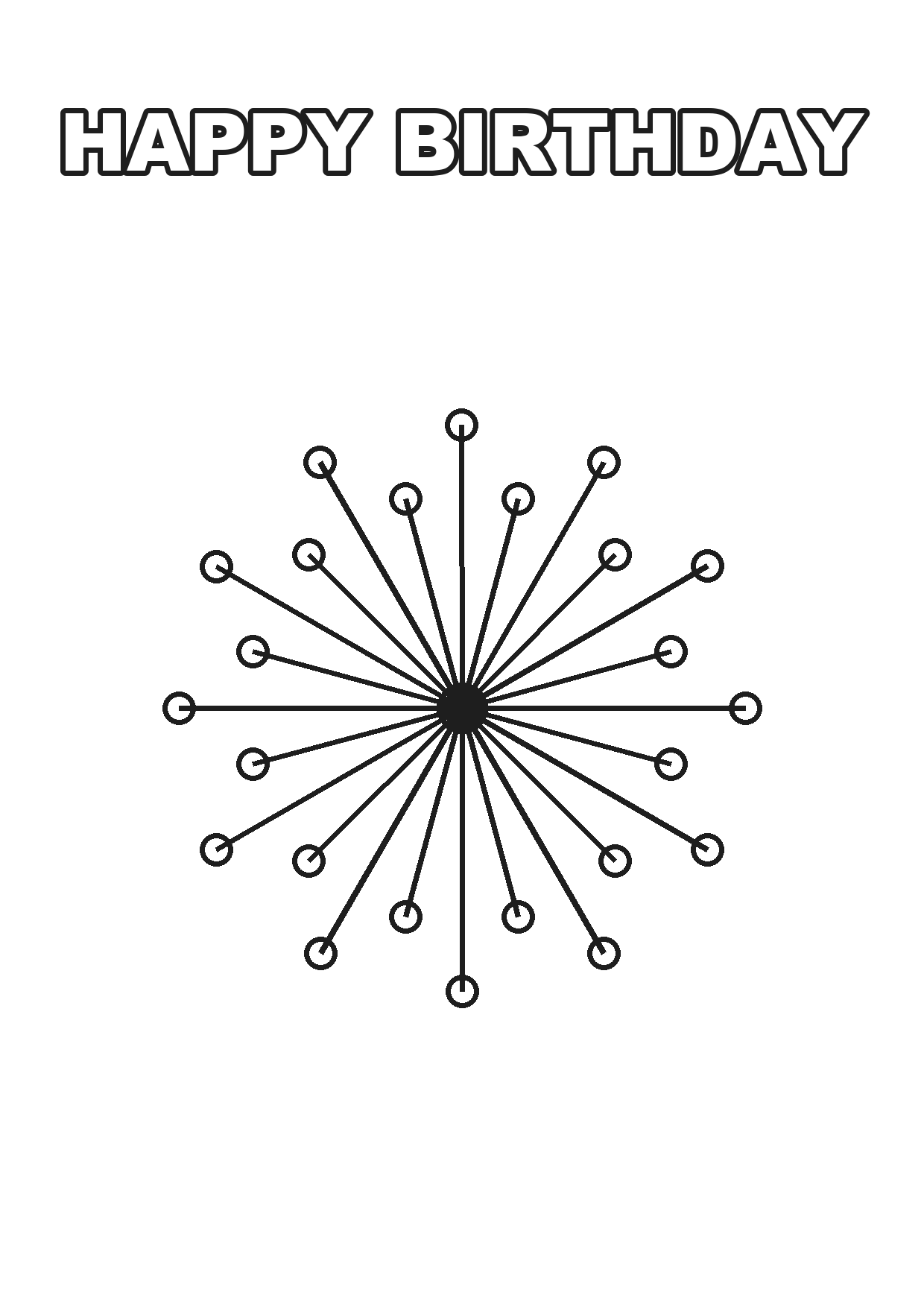
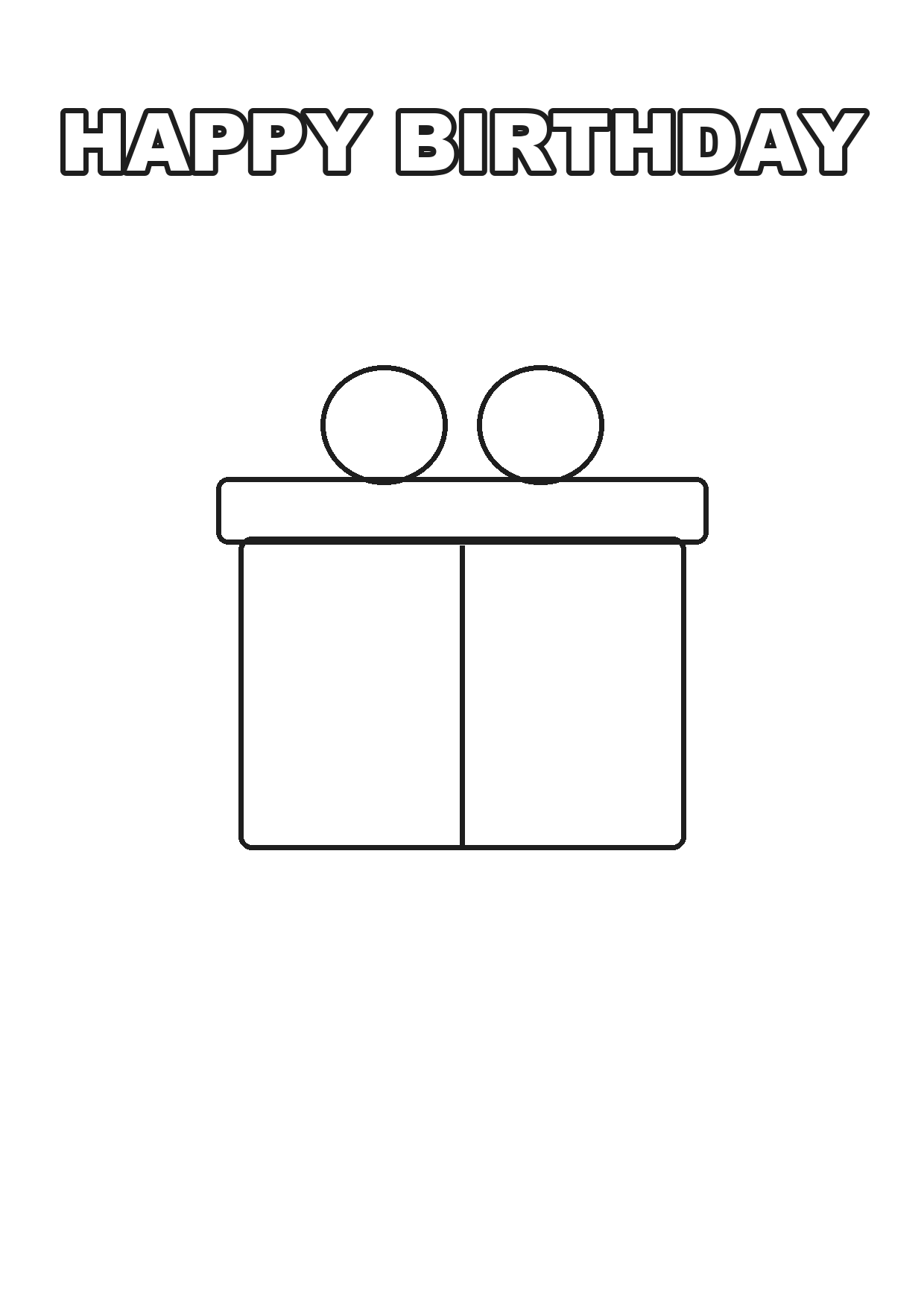
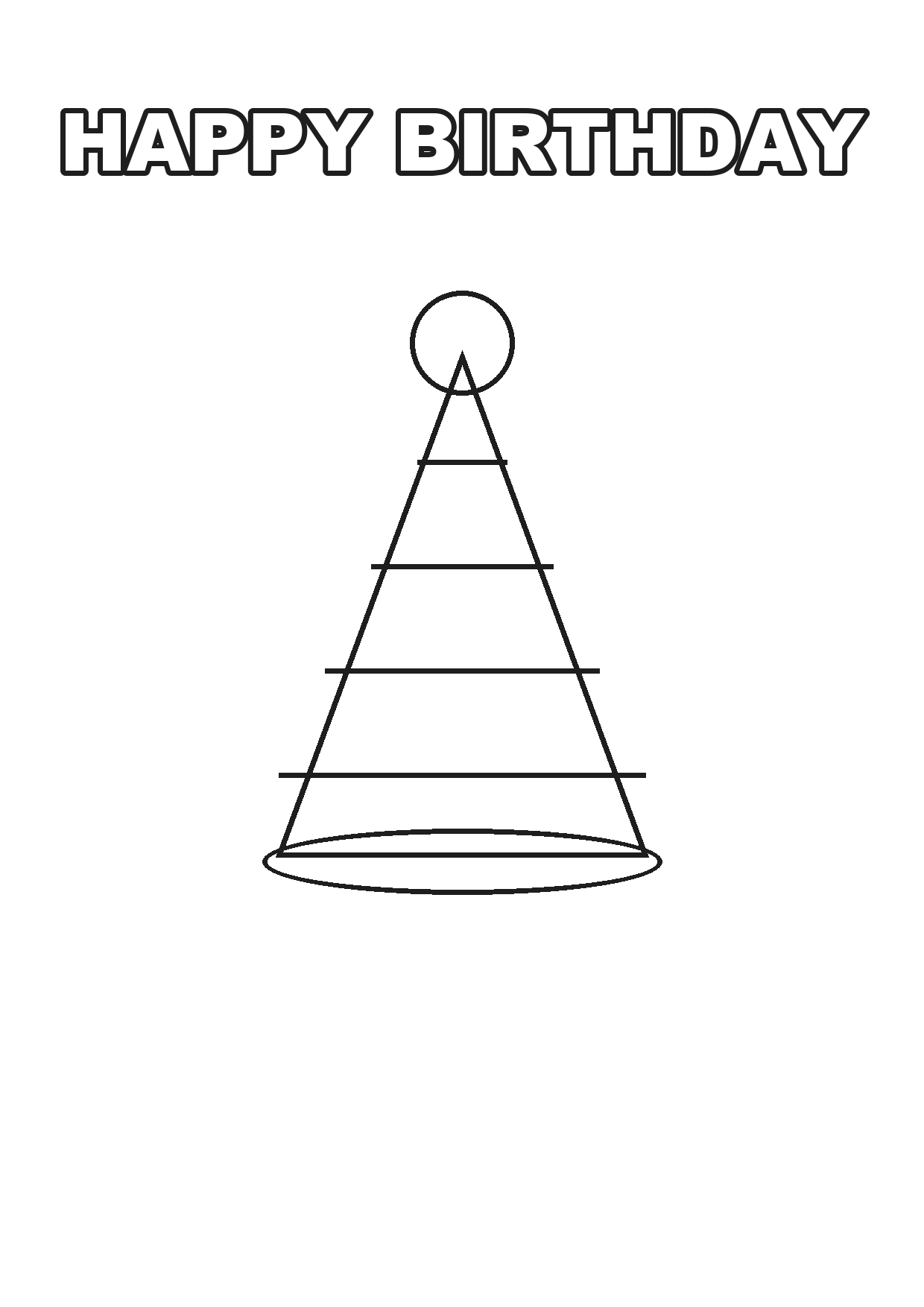
Every page here is free to print, at home or at a school, with no watermark and no attribution required. Below are the settings that make them print correctly, and what to do with them once they are coloured.
Print settings that matter
Scale: 100 per cent. Not "fit to page", not "shrink to fit". Fit-to-page adds a margin and slightly reduces the drawing, and it is the default in Chrome and most PDF viewers.
Paper size: match the file. These are supplied for both A4 (210 x 297 mm, used almost everywhere) and US Letter (8.5 x 11 in, used in the US and Canada). Printing an A4 file on Letter paper crops the bottom; printing Letter on A4 leaves an uneven margin.
Colour mode: black and white. A coloring page has no colour in it. Printing in colour mode makes some printers mix black from cyan, magenta and yellow, which produces a muddy grey-brown line and wastes expensive ink.
Quality: draft or normal is fine. High quality uses far more ink for lines that are going to be coloured over anyway.
Margins: none or minimum. Default margins cut into the design on some printers.
Which paper to use
| Paper | Weight | Best for |
|---|---|---|
| Standard copy paper | 80 gsm / 20 lb | Pencils, crayons |
| Thicker copy paper | 100–120 gsm / 28 lb | Felt tip pens, which bleed through thin paper |
| Card stock | 160–200 gsm | Paint, or anything that will be kept |
| Matte photo paper | 180+ gsm | Making a finished piece to frame |
The single most common complaint about printed coloring pages is felt tips bleeding through onto the table. That is a paper weight problem, not a printing problem. Anything at 100 gsm or above solves it.
Which page suits which age
| Age | What works | What frustrates |
|---|---|---|
| 2–4 | Very large shapes, thick lines, few elements | Anything with small detail |
| 5–7 | Recognisable objects, medium detail, a name to colour in | Fine patterns |
| 8–11 | Detailed scenes, patterns, lettering to decorate | Overly simple pages, which read as babyish |
| 12+ and adults | Dense pattern work, mandalas, intricate lettering | Large empty areas, which are boring to fill |
Getting this wrong is the usual reason a child abandons a page after two minutes. A four-year-old handed a detailed page will give up; a nine-year-old handed a simple one will feel patronised.
Using them at a party
Set them out before guests arrive. Coloring pages on the table with a pot of crayons solve the awkward first twenty minutes when children have arrived but the party has not started.
Print more than you need. Children will want a second one, and the printer will jam at the worst possible moment.
Use them as placemats. Printed on thicker paper, they cover the table, occupy the children, and get taken home afterwards.
Make a group banner. Give each child one letter of the birthday person's name to colour, then tape them together in order. It takes fifteen minutes and produces a decoration the birthday person keeps.
Have a quiet corner. At every party there is one child who needs to be somewhere quieter for a while. A table with coloring pages is where they go.
What to do with them afterwards
Post them. A coloured page from a grandchild is the most reliably kept item on this list.
Photograph and send them. Faster than posting and works at any distance.
Frame one. A cheap clip frame turns a coloured page into something that stays on a wall for a year.
Make a card. Fold a coloured page in half and write inside. It is a better card than anything bought.
Licence — what you can actually do
These pages are free to print and use, personally or commercially. That includes printing them for a classroom, using them at a paid party, or including them in something you sell. No attribution is required and there is no watermark on any file.
Worth checking on any coloring page you find elsewhere: many "free printables" are licensed for personal use only, which specifically excludes classrooms and any paid event.
Printing from a phone
Most phones can print directly to a wifi printer, but they default to "fit to page" and often to colour mode. If you print from a phone, look for the settings panel before confirming — it is usually collapsed behind a small arrow.
If the printer is not on wifi, email the file to yourself and print from a computer. Sending it through a messaging app first will compress it and soften the lines.
Adding the birthday person's name
A coloring page with the name already in outline is a different thing from a generic one, especially for a young child who is learning to write it. It gives them something to colour that is specifically about the person, and it takes about a minute to produce here at no cost.
Common questions
Why do my coloring pages print cropped? Almost always the paper size. An A4 file printed on US Letter loses the bottom of the page. Check which size the file is and match the printer setting.
Should I print coloring pages in colour or black and white? Black and white. In colour mode some printers mix black from three colour inks, producing a muddy line and wasting ink.
What paper is best for coloring pages? 100 gsm or heavier if felt tips will be used, because standard 80 gsm copy paper bleeds through. Standard paper is fine for pencils and crayons.
Are these coloring pages free for classroom use? Yes, including in schools and at paid events, with no attribution required.
What scale should I print at? 100 per cent. "Fit to page" is the default in most browsers and it shrinks the drawing and adds an uneven margin.
What coloring page suits a four-year-old? Large shapes with thick outlines and few elements. Detailed pages cause frustration and get abandoned within a couple of minutes at that age.