Happy Birthday GIFs: Free Downloads and How to Send Them
Send a GIF from the keyboard for a quick reply and a short video for anything you want remembered. GIFs are limited to 256 colours, which is why they look grainy next to video, and most messaging apps convert them to video on arrival anyway.
All eight animated GIFs below are free to download with no watermark and no account. Tap Download, then attach the file like a photo.
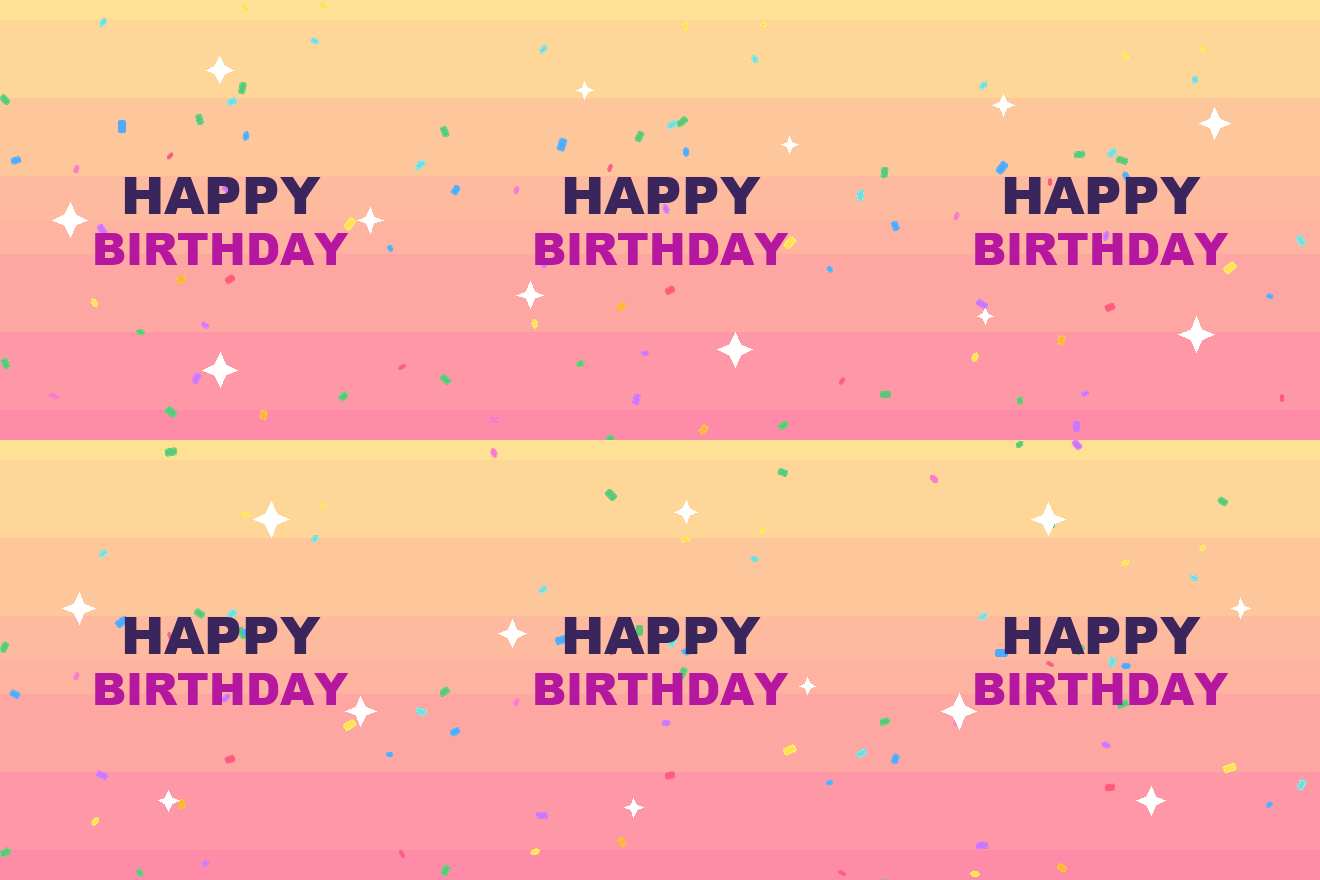
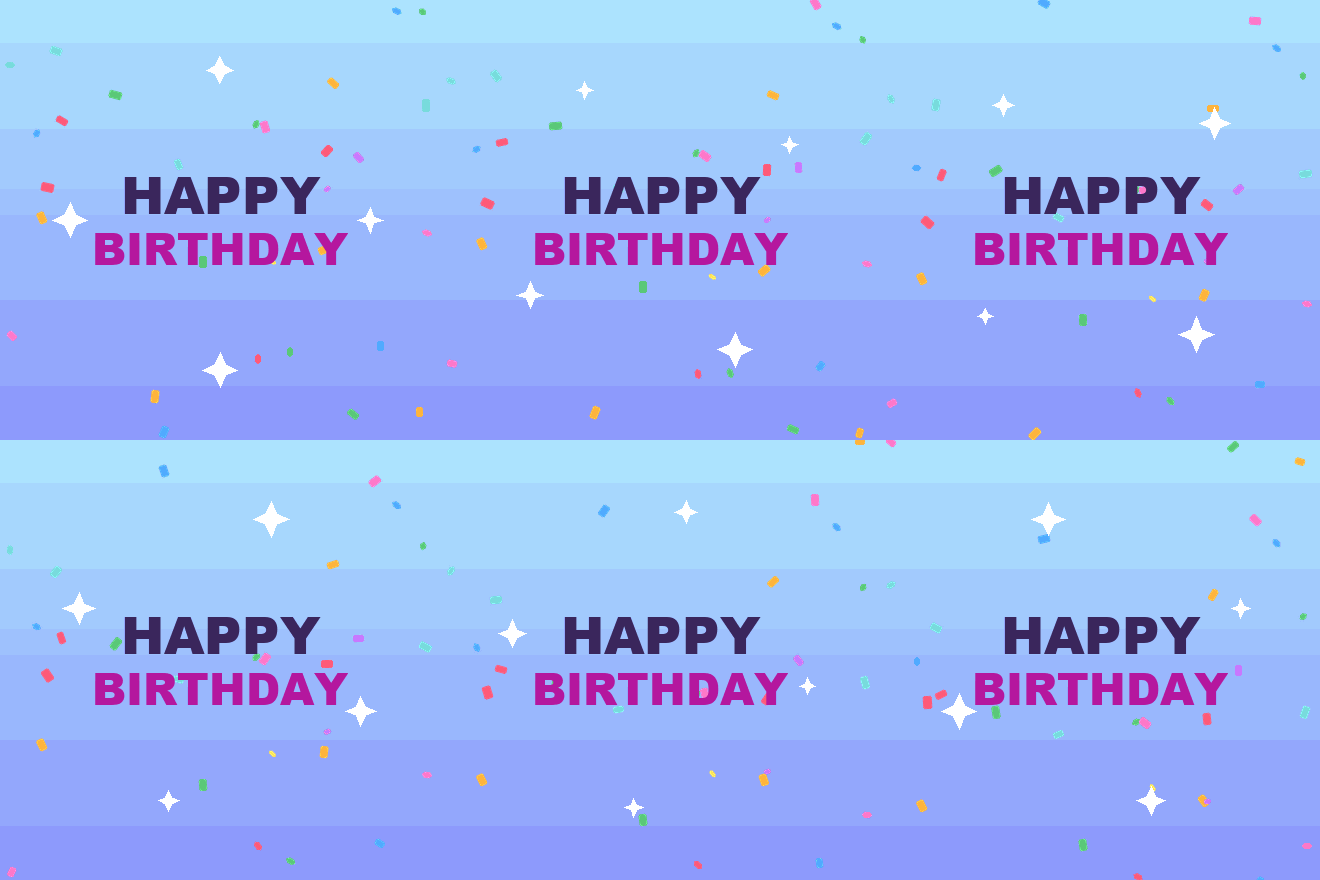

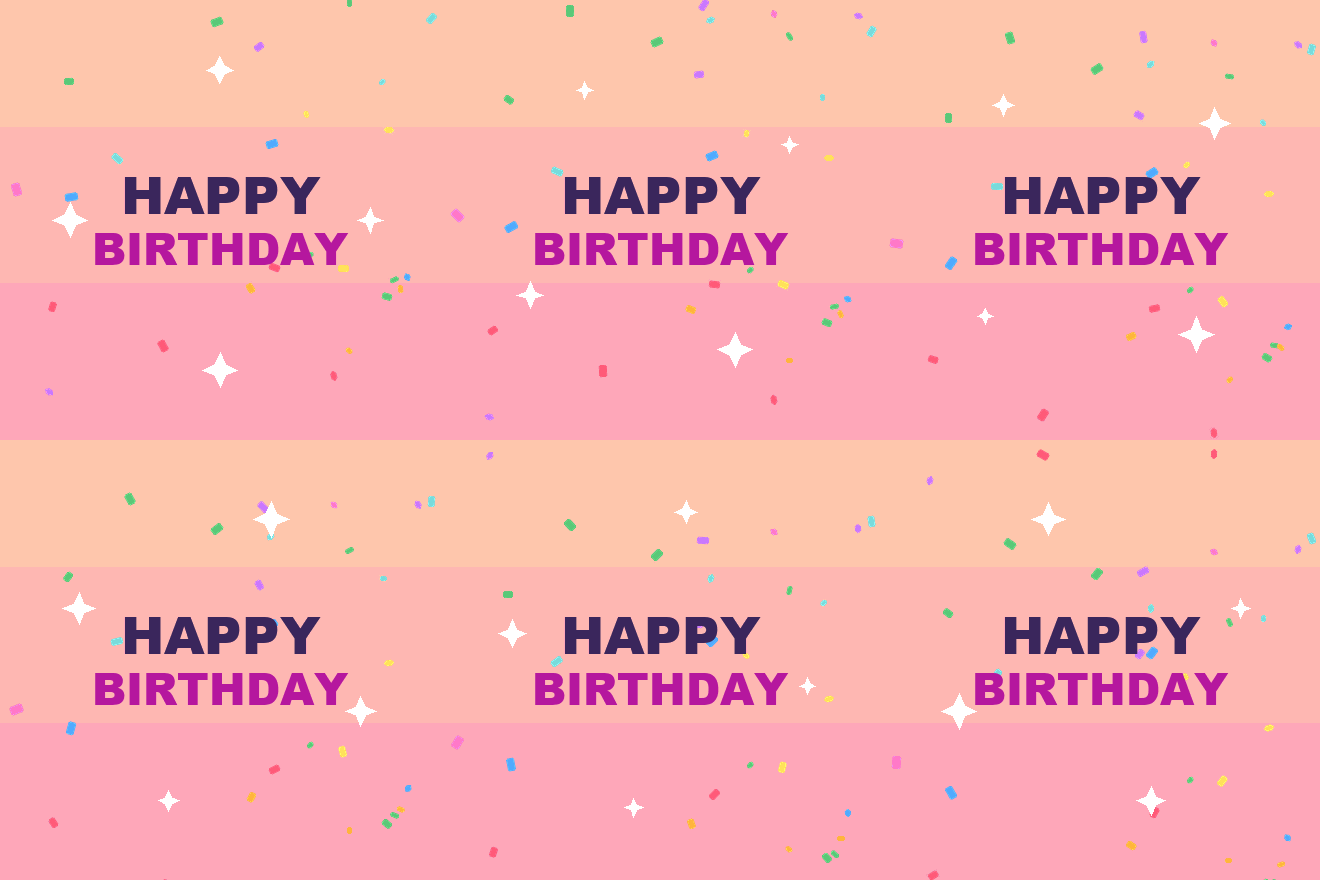


Every GIF here is free to download and use with no watermark. Below them is how to send one on each app, and an honest explanation of when a GIF is the wrong choice.
How to send a birthday GIF
Tap the emoji icon in the message box, then the GIF tab. Search "happy birthday". WhatsApp converts what it sends into a short MP4 behind the scenes, which is why it plays smoothly.
To send your own file: attach it from Gallery or Files rather than the GIF tab. If it arrives as a still image, the file was over WhatsApp's size limit and got flattened — shorten it or reduce its dimensions.
iMessage on iPhone
Tap the App Store icon beside the message box, then the images app, and search. To save a GIF someone sent you, press and hold it and choose Save.
Instagram DM and Stories
In a DM, tap the sticker icon and choose GIF. In Stories, add a GIF sticker from the sticker tray. Instagram does not allow uploading your own GIF as a sticker — for a custom animation you have to post it as a video instead.
Android messages
Most Android keyboards have a GIF button built into the keyboard itself, usually next to the emoji key. It works in any app that accepts images.
Attach the GIF file rather than pasting it. Most email clients will animate an attached GIF in the preview, but a pasted one often arrives as a still frame.
Why GIFs look grainy
256 colours, and no more. The GIF format was finalised in 1989 and allows a maximum of 256 colours in the whole image. A photograph or a smooth gradient has thousands. Squeezing that down produces the visible banding and dithering that makes GIFs look dated.
No modern compression. GIF has no equivalent of the motion compression that video codecs use, so file sizes balloon fast. A five-second GIF at a decent size can be larger than a thirty-second video of the same footage.
Frame rates get cut to save size. To keep the file manageable, most GIFs are exported at 10 to 15 frames per second instead of 24 or 30. That is the stutter you see.
The result is a format that is worse in quality and larger in size than video. It survives because it plays automatically, loops forever, and needs no player controls — which is exactly what a chat reply wants.
GIF, video, or a link — which to send
| You want | Send | Why |
|---|---|---|
| A quick reply in a chat | GIF from the keyboard | Instant, expected, no effort implied |
| Something they will keep | Short video | Better quality, sound, no colour limit |
| Something personal with their name | A card link | Opens full screen, cannot be mistaken for a forward |
| Something for a story | Vertical video | GIF stickers are tiny on a full screen |
| Something to print | Neither — use a PNG | GIFs are low resolution by design |
The honest summary: a GIF says I thought of you for four seconds. That is often exactly right — for a colleague, an acquaintance, a group chat. For a parent, a partner or a close friend, it reads as the minimum effort available, because it is.
Making your own
From a video. Any free converter will turn a short clip into a GIF. Keep it under four seconds and under 600 pixels wide, or the file will be too large for messaging apps to accept.
Keep the colour count low deliberately. A GIF of flat graphics and text stays sharp because it does not need many colours. A GIF of a face lit by candles will always look poor. Choose subjects that suit the format.
Loop it cleanly. A GIF that jumps at the loop point is distracting. Either make the last frame match the first, or make the motion continuous so the seam is invisible.
Check the size limit. WhatsApp handles roughly 16MB, most email around 20MB, but anything over about 5MB will be slow to load on mobile data and often gets flattened to a still.
Licence — what you can actually do
The GIFs offered here are free for personal and commercial use, with no attribution required and no watermark on the file. Use them in messages, on a page, in a video, or on something you sell.
This is worth checking on any GIF you find elsewhere. GIF search results in messaging keyboards are drawn from libraries with their own terms, and many are licensed for messaging only — fine for a chat, not fine for a product or an advert.
The version that gets a reply
A generic birthday GIF is one of thousands and the person has seen most of them. An animation with their actual name in it is a different object entirely: it gets screenshotted, saved and replied to, because it clearly could not have been forwarded from anywhere.
It takes about a minute to make and sends as a link that plays full screen on their phone, which sidesteps every size limit and quality problem on this page.
Common questions
How do I send a happy birthday GIF on WhatsApp? Tap the emoji icon, choose the GIF tab, and search "happy birthday". To send your own file, attach it from Files rather than the GIF tab.
Why do GIFs look worse than videos? GIF allows only 256 colours and has no motion compression, so it is both lower quality and larger in file size than modern video. Most apps convert GIFs to video on arrival for this reason.
Are these birthday GIFs free to use commercially? Yes, with no attribution and no watermark. GIFs found through messaging keyboards often are not — many are licensed for messaging use only.
Can I upload my own GIF to Instagram Stories? Not as a sticker. Instagram only allows GIF stickers from its own library. Post your animation as a video instead.
What size should a birthday GIF be? Under 600 pixels wide and under 4 seconds for messaging. Larger files get flattened to a still image by several apps.
Is a GIF or a video better for a birthday message? A GIF for a quick reply, a video or a personalised card for anyone you actually want to impress. GIFs read as low effort because they are, and that is sometimes the right choice.