Happy Birthday Images: Free Downloads and the Right Size
The right size depends entirely on where it is going. Use 1080x1080 for an Instagram post, 1080x1920 for any story or reel, 1000x1500 for Pinterest and 1200x630 for a link preview. Sending the wrong shape is why birthday images get cropped badly, not because the image was low quality.
All 24 designs below are free to download with no watermark and no sign-up. Tap Download under any design to save the full-size file.

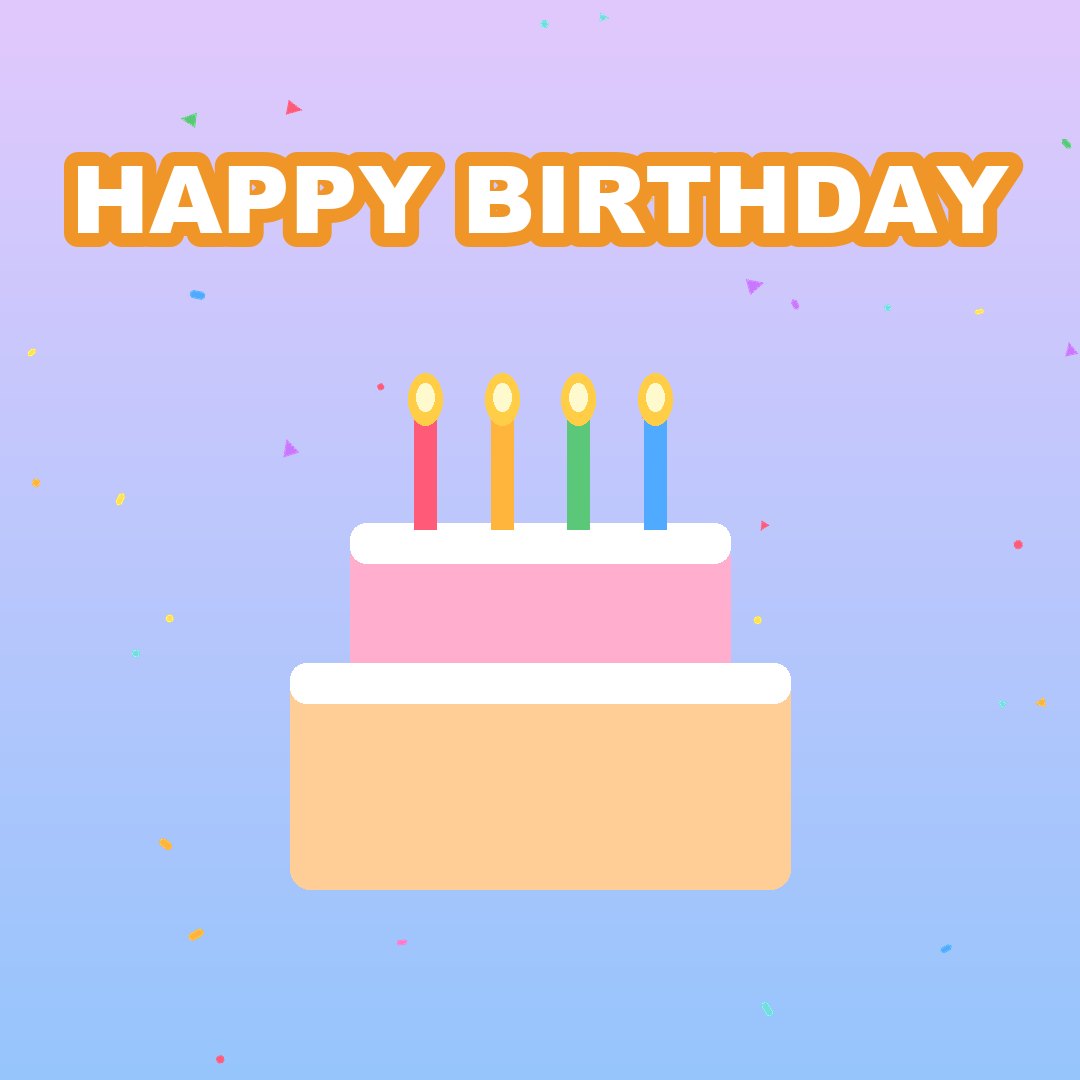
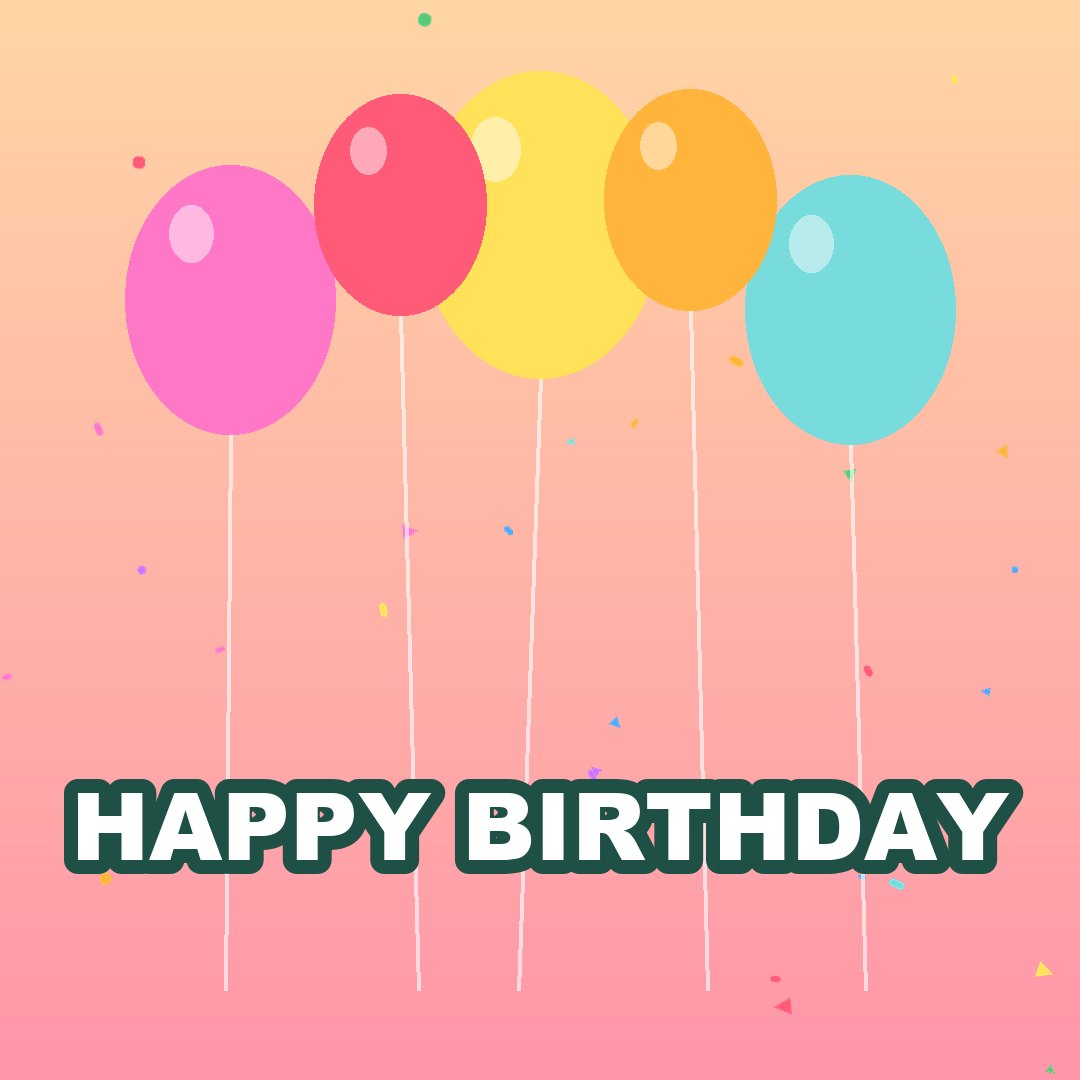
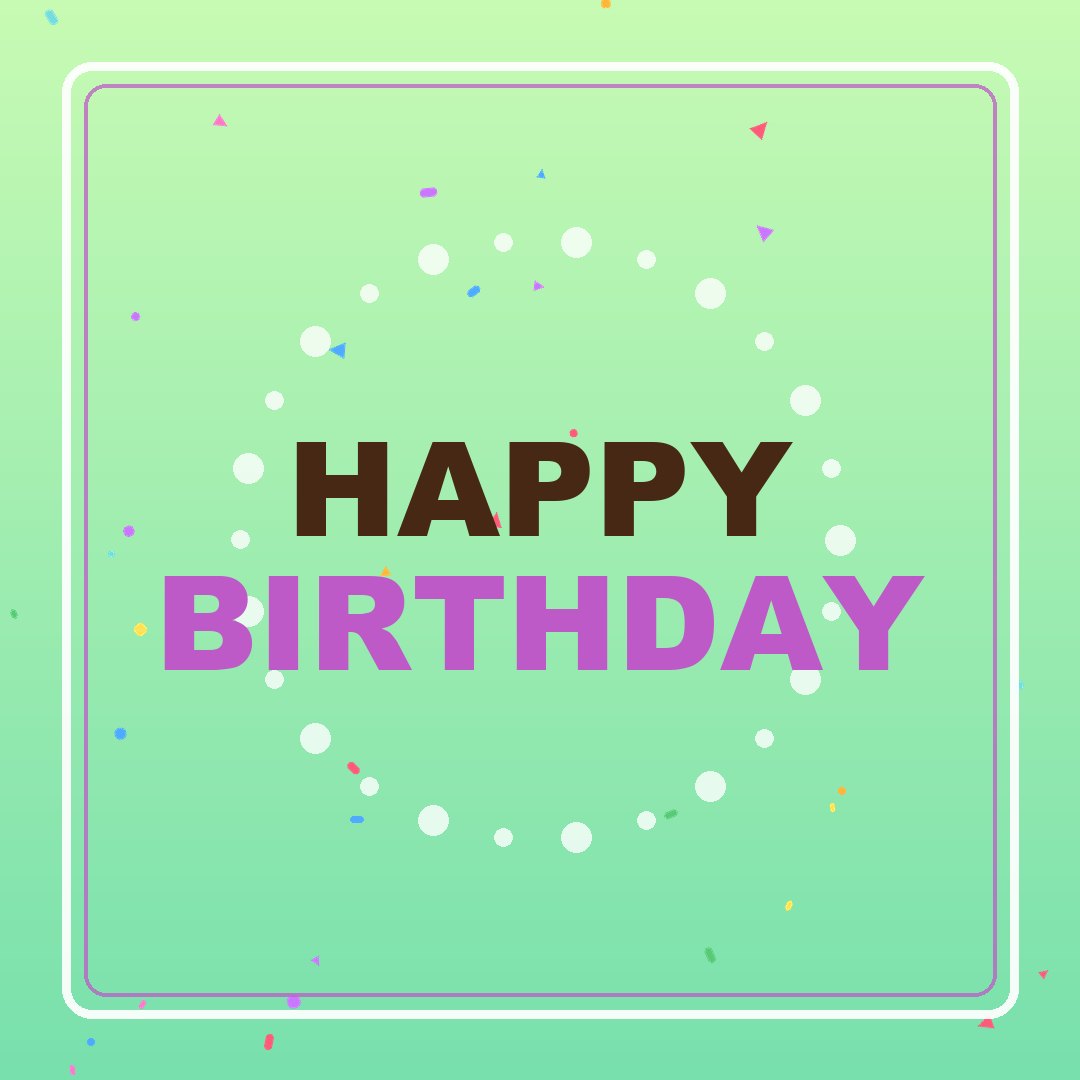
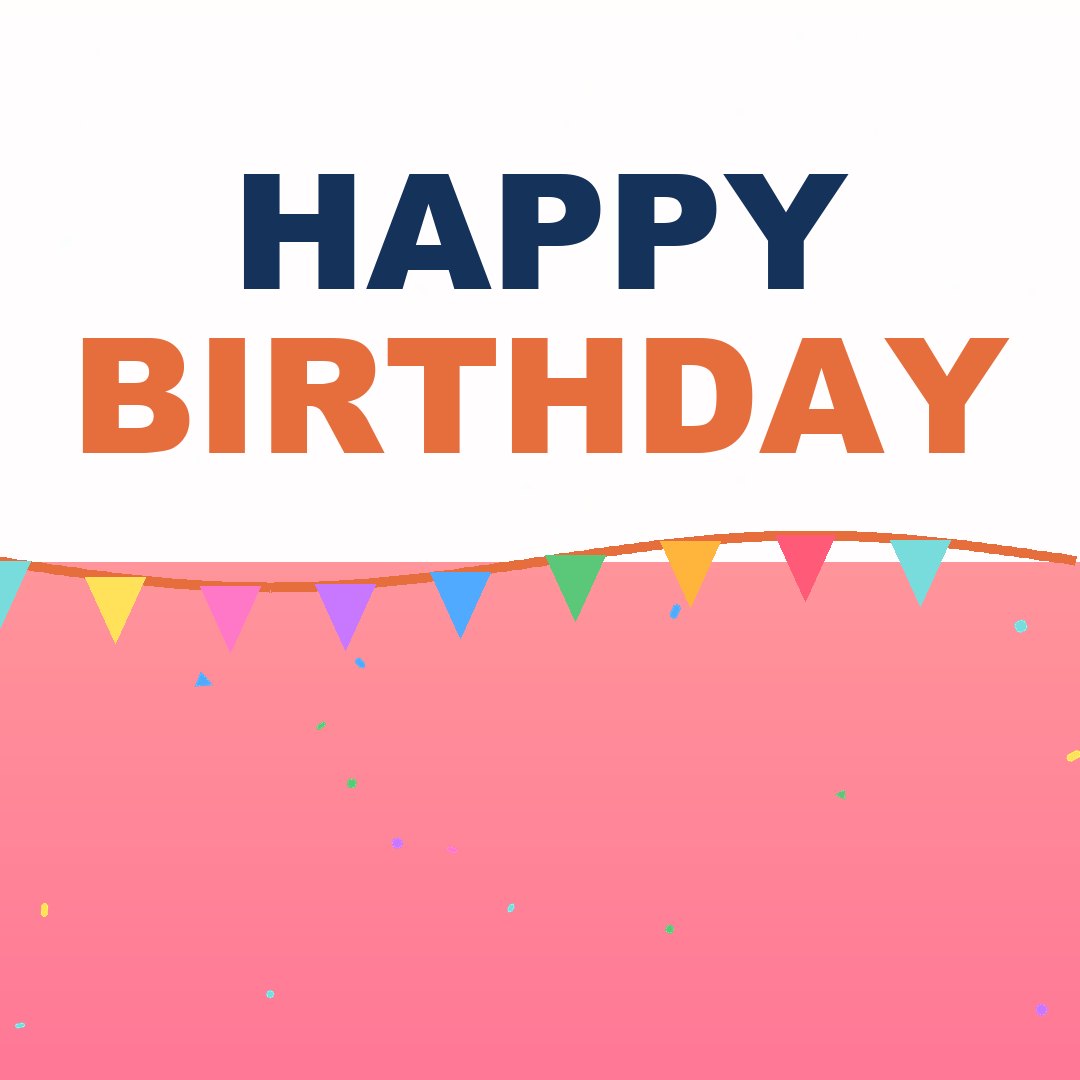
Every image on this page is free to download and use, including commercially, with no attribution required and no watermark. Below them is the part most image pages leave out: which size to use where, and why your image looks blurry when you send it.
Which size for which platform
| Where it is going | Pixels | Shape |
|---|---|---|
| Instagram post (square) | 1080 x 1080 | 1:1 |
| Instagram portrait post | 1080 x 1350 | 4:5 |
| Instagram / Facebook story | 1080 x 1920 | 9:16 |
| TikTok | 1080 x 1920 | 9:16 |
| Pinterest pin | 1000 x 1500 | 2:3 |
| Facebook post | 1200 x 630 | ~1.9:1 |
| WhatsApp status | 1080 x 1920 | 9:16 |
| Link preview / shared card | 1200 x 630 | ~1.9:1 |
| Printed 6x4 photo | 1800 x 1200 | 3:2 |
| Printed A4 card | 2480 x 3508 | A4 at 300dpi |
The two that matter most: 1080 x 1080 covers almost all feed posts, and 1080 x 1920 covers every full-screen vertical format. If you only keep two sizes, keep those.
Why your image looks blurry
It was sent through a chat app twice. Every messaging app re-compresses images. An image forwarded three times has been compressed three times, and the loss is cumulative and permanent. Always send the original file, never a forward of a forward.
It was screenshotted instead of downloaded. A screenshot captures the image at your screen's resolution, which is almost always smaller than the original. It also captures whatever compression the website applied.
It was upscaled. Stretching an 800-pixel image to fill a 1920-pixel space cannot invent detail. Start with an image at least as large as the space it is going into.
It was saved as JPEG at low quality. For images with large flat areas of colour and sharp text — which is what most birthday graphics are — PNG holds up much better than JPEG. JPEG puts visible smudging around letter edges.
JPEG, PNG or WebP
| Format | Use it for | Avoid when |
|---|---|---|
| PNG | Text, flat colour, anything needing transparency | Photographs — the file gets very large |
| JPEG | Photographs, complex images | Sharp text on flat colour |
| WebP | Web pages where file size matters | Sending to someone — support is still patchy in older apps |
| GIF | Short looping animation | Anything static, or anything needing more than 256 colours |
The practical rule: if the image is mostly text, use PNG. If it is mostly a photo, use JPEG.
Where these images can be used
Everything offered here is free for personal and commercial use. You can put them on a card, on a cake topper, in a video, on merchandise, or on a page you monetise. No attribution is required and none of them carry a watermark, because an image with a website address across it is useless the moment somebody wants to actually use it.
That last point is worth stating plainly, because most free image sites do the opposite: they show you a clean preview and then watermark the download, or they allow personal use only and quietly forbid the thing you actually wanted to do.
Why not just use a stock photo site
Most "free" stock birthday images are not free for what you want. Editorial-only licences, model release restrictions and no-commercial-use clauses are common, and they are enforced. The consequence is a takedown notice arriving months later.
Stock birthday photos all look the same. The same balloon arch, the same sparkler, the same cake on a wooden table. If you have seen twenty birthday posts this year, you have seen the same five stock photos.
They are not the right shape. Stock images are usually landscape. Almost everything you will post is square or vertical, so you crop, and the crop cuts off the part that made the photo work.
Making it about one person instead
A generic birthday image gets a like. An image with the person's name on it gets a screenshot and a reply, because it could not have been sent to anyone else.
That is the whole difference, and it takes about a minute: type a name, pick a style, and get an animated card or a still image with the name in it. It costs nothing and there is no watermark on the result.
Getting the crop right
Keep the important part in the middle. Every platform crops differently and most of them crop from the edges. Anything you cannot afford to lose belongs in the central 80 per cent.
Leave the top and bottom clear on stories. Story interfaces put the account name across the top and a reply box across the bottom. Roughly 250 pixels at each end of a 1920-pixel image will be covered.
Do not put text near any edge. A caption that touches the border will be clipped by at least one platform, and it will be the one you care about.
Printing them
For a printed card or a poster, you need roughly 300 pixels per inch. A 6x4 inch photo needs 1800 x 1200 pixels; A4 needs 2480 x 3508. An image that looks perfect on a phone will look soft when printed at A4, because a phone screen is far less demanding than paper.
Print from the PNG rather than a version that has been through a messaging app. The compression is invisible on a screen and very visible on paper.
Common questions
What size should a happy birthday image be? 1080 x 1080 for a square feed post, 1080 x 1920 for any story, reel or full-screen vertical, and 1000 x 1500 for Pinterest. Those three cover almost everything.
Are these birthday images free for commercial use? Yes. They may be used personally or commercially, with no attribution and no watermark.
Why does my birthday image look blurry on WhatsApp? Messaging apps re-compress every image, and forwarding compounds it. Send the original file rather than forwarding an image somebody sent you.
Should I use JPEG or PNG for a birthday image? PNG if the image is mostly text or flat colour, which most birthday graphics are. JPEG only for photographs.
What resolution do I need to print a birthday image? About 300 pixels per inch. That is 1800 x 1200 for a 6x4 print and 2480 x 3508 for A4.
How do I add a name to a birthday image? Use any tool that lets you type a name into a template. On this site it takes about a minute and produces a still image or an animated card with no watermark.