Fireworks Text Animation Online — No After Effects Needed
Part of: Happy Birthday Images and GIFs
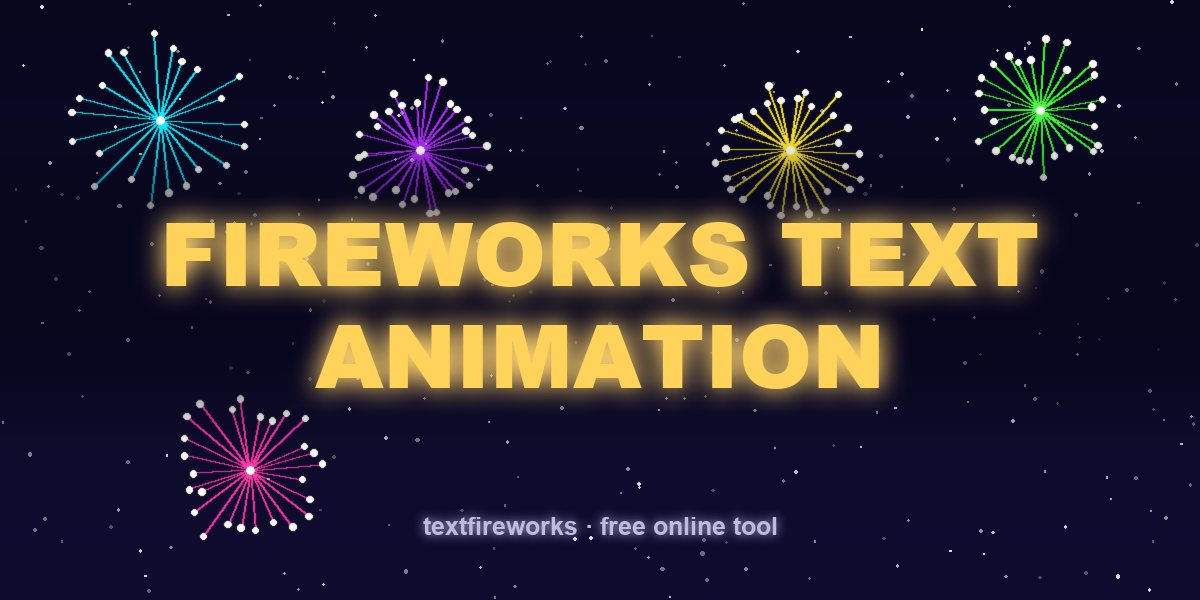
Search "fireworks text animation" and you'll drown in After Effects templates: beautiful previews, then a $30 licence, a 2 GB download, and an evening learning keyframes. If your goal is simply my message, exploding as fireworks, as a video I can post — there's a much shorter path. Here's an honest comparison.
The After Effects route
After Effects is the professional standard, and if you already own it (about US$23/month) the template workflow looks like: buy a fireworks text template ($15–40 on marketplaces), install the right AE version and plugins, open the project, hunt for the text layer, replace the placeholder, wait through a render that can take 15–60 minutes on a laptop, then export and compress. The result is gorgeous — and total cost is real money plus a real evening. For a wedding intro or a client project, worth it. For a birthday message at 11:45 pm? No.
The browser route: one minute, free
The Text Fireworks maker does one thing: it turns a short message into a fireworks text animation, in your browser, instantly.
- Type the message — every letter becomes its own rocket that explodes into that letter.
- Pick from 11 colour palettes, 4 fonts, and letter styles including marquee light-bulb signs with bulbs, hearts or stars glowing inside each letter.
- Choose 16:9, 9:16 or 1:1 and 720p/1080p, press preview — the animation runs immediately, no render queue.
- Press download: the video records in real time with real firework sound baked in.
There's no watermark, no account, and no upload — the animation is drawn by your own device, which is why it's free.
Honest comparison
| After Effects template | Text Fireworks (browser) | |
|---|---|---|
| Cost | AE subscription + template | Free |
| Time to first video | 1–3 hours | ~1 minute |
| Skill needed | AE basics | Typing |
| Customisation depth | Unlimited | Colours, fonts, styles, pacing, frame |
| Render time | 15–60 min | Real time (video length) |
| Sound included | Sometimes | Yes — real firework recordings |
When you SHOULD use After Effects instead
Fair is fair: if you need 3D camera moves, brand-exact colours, 4K for a cinema screen, or fireworks composited over your own footage — that's After Effects territory. For everything else (birthdays, New Year countdowns, anniversaries, TikTok greetings), the browser tool covers it in a fraction of the time.
About "free After Effects templates"
Search results promise a text fireworks After Effects template free of charge, and some genuinely are — but read the fine print before you spend an evening on one:
- Free often means "free preview". The watermark-free project file is frequently the paid tier.
- Version and plugin traps. A template built for a newer AE, or one needing Trapcode Particular (a paid plugin), simply won't open or render correctly.
- You still need After Effects. The template is free; the software it runs in is a subscription.
- Licensing. Free-for-personal-use templates are not automatically fine for a monetised video — check before publishing.
People also search for a text fireworks After Effects iPhone workflow — meaning "make it on my phone". AE has no iPhone version; a browser tool is the practical route on mobile.
Related guides
- Fireworks text effect in Photoshop (and Adobe Fireworks)
- How to send fireworks in a text — every method
- Fireworks behind text: backgrounds and text boxes
- How the animation works under the hood
What each route actually costs
- After Effects: a monthly subscription, a steep learning curve, and roughly an hour for a first attempt. Correct if you need precise control over every frame.
- A stock template: the same subscription plus the template cost, and you still need the software to open it.
- A browser tool: free, about a minute, no install, and no watermark. Correct for anything you are sending to a person rather than delivering to a client.
- Phone apps: usually free to make and paid to export without a logo across the corner.
When After Effects is genuinely the right answer
- You need a specific brand colour, font and timing that must match other material exactly.
- The animation is part of a longer edit with other motion graphics around it.
- You need it at 4K for a large screen.
- A client is paying for it, in which case the subscription is a cost of doing business rather than an obstacle.
Why browser animation looks different
- Browser tools render in real time using the graphics hardware in your machine, which is why there is no waiting for an export.
- The trade-off is less control over individual frames — you choose from what the tool offers rather than keyframing everything.
- For a birthday message that difference is invisible. For a broadcast title sequence it is not.