Fireworks Behind Text — Backgrounds, Text Boxes and the iPhone Trick
Part of: Happy Birthday Images and GIFs
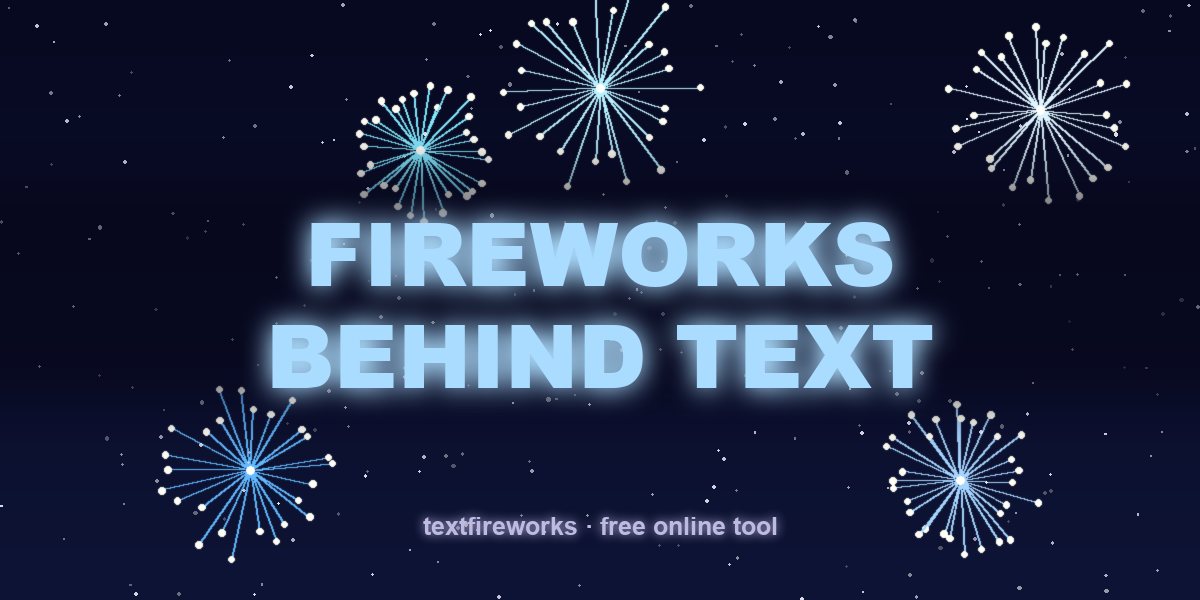
There are two different things people mean by "fireworks text background": fireworks bursting behind a message on someone's screen, and a still fireworks image used as a backdrop for a text box in a design. This guide covers both — plus the version where the text itself is made of fireworks.
1. Fireworks in the background of a message (iPhone)
On iPhone this is a screen effect: the message arrives, and fireworks fill the whole background behind the conversation. Press and hold the send arrow → Screen tab → swipe to Fireworks → send. The same menu holds balloons, confetti, lasers and a shooting star, which is the answer to "how to add balloons or fireworks to a text". Step-by-step screenshots: iPhone fireworks text guide.
Two limits worth knowing: it needs iMessage on both ends (Android friends see nothing), and iPhone text backgrounds are temporary — the fireworks play once, then the chat looks normal again.
2. A fireworks text background for posts and designs
For a card, a story or a thumbnail you want a still image: dark night sky, bursts of light, and a clean empty area in the middle where the text box sits. Rules that make a firework text box readable:
- Keep the centre calm. Put the bursts in the corners; text over a busy explosion is unreadable.
- Darken behind the words. A soft dark band or a 40–60% shadow behind the text box separates it from the sky — every banner on this blog uses that trick.
- Light text, heavy weight. On a night background you need bright, bold letters; thin elegant fonts disappear. See colours and fonts for celebration text.
- Leave breathing room. Fireworks read as fireworks only if there's black sky around them.
3. The better version: text made of fireworks
A background is passive — the fireworks are behind, your words just sit on top. The alternative is to let the fireworks become the words: each letter launches as a rocket, explodes, and the sparks settle into the letter's shape until the whole message glows.
The free Text Fireworks maker renders that as a video (MP4 or GIF), with real firework sound, in 16:9, 9:16 or 1:1, up to 4K — no watermark and no sign-up. Because it's a video file, it plays anywhere: iPhone, Android, WhatsApp, TikTok, or as a looping background on a party screen.
Using the video as an actual background
- Party screen: render 16:9 at 1080p, play it full-screen on the TV behind the cake table.
- Story background: render 9:16, add it as the background layer in your editor and put stickers or a photo on top.
- Video intro: drop it at the head of a YouTube video as a title card — details in fireworks text animation without After Effects.
- Chat wallpaper: export a frame as a still and set it as your Messages background.
Making text readable over fireworks
- Contrast is the whole problem. Fireworks footage has bright bursts and near-black sky, so text is legible over some frames and invisible over others.
- Add a dark layer between the footage and the text. A semi-transparent black overlay at around 30 to 40 per cent fixes almost every case.
- Use heavy fonts. Thin type disappears against moving light. Bold weights survive.
- Keep the text still. Moving text over moving background is unreadable. Let the background move and hold the words steady.
- Put text where the sky is darkest, usually the lower third, rather than in the middle where the bursts are.
Where to get footage you can legally use
- Public domain and Creative Commons collections, checking the specific licence rather than trusting the label on the page.
- Your own phone footage from any public display — you own what you film.
- Generated animation rather than filmed footage, which sidesteps licensing entirely.
- Avoid anything pulled from a video platform. Automated matching will flag it on upload, and the video may be muted or blocked.
Using it as an actual wallpaper or background
- For a phone wallpaper, keep the text in the middle third — icons cover the top and bottom.
- For a video call background, avoid heavy motion. Moving light behind your head makes the video compression struggle and your face goes blocky.
- For a projected background at a party, loop a short clip rather than playing a long one. Nobody watches it, and a seamless loop is less distracting than an obvious restart.
- For a website header, use a still frame with a CSS animation over it rather than an autoplaying video. Video headers cost mobile users real data.
Quick answers
How do I send a text with fireworks in the background? iPhone: hold send → Screen → Fireworks. Any phone: attach a fireworks video — see every method compared.
Can I change my iPhone text background permanently to fireworks? Not the conversation background — the effect is a one-time animation. You can set a fireworks photo as your phone wallpaper instead.
What size should a fireworks background be? 1920×1080 for screens and YouTube, 1080×1920 for stories and TikTok — the sizing rules are in 9:16 or 16:9?